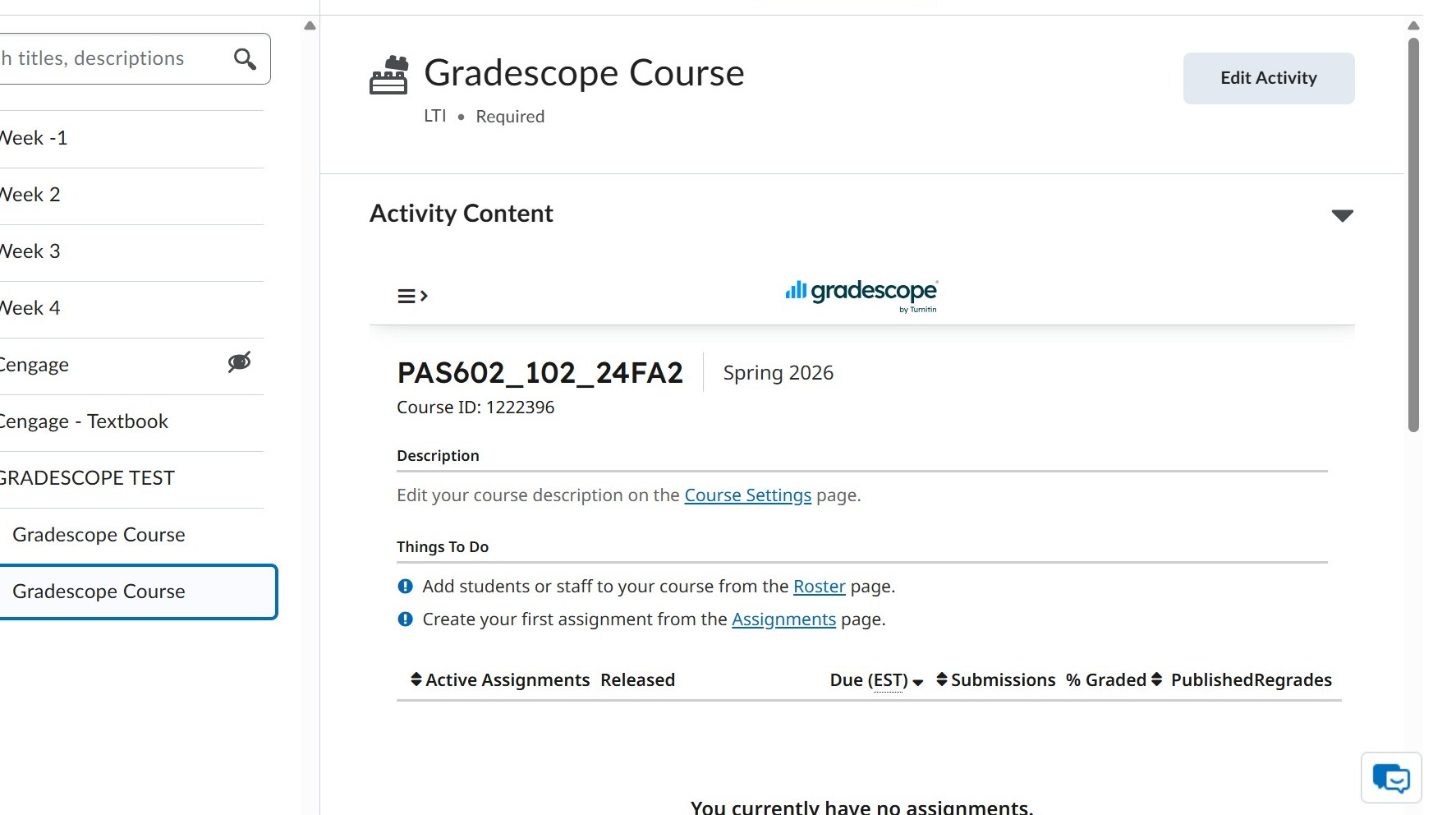
Adding Gradescope to Brightspace - 2 Ways
Made by Becky Borello with Scribe
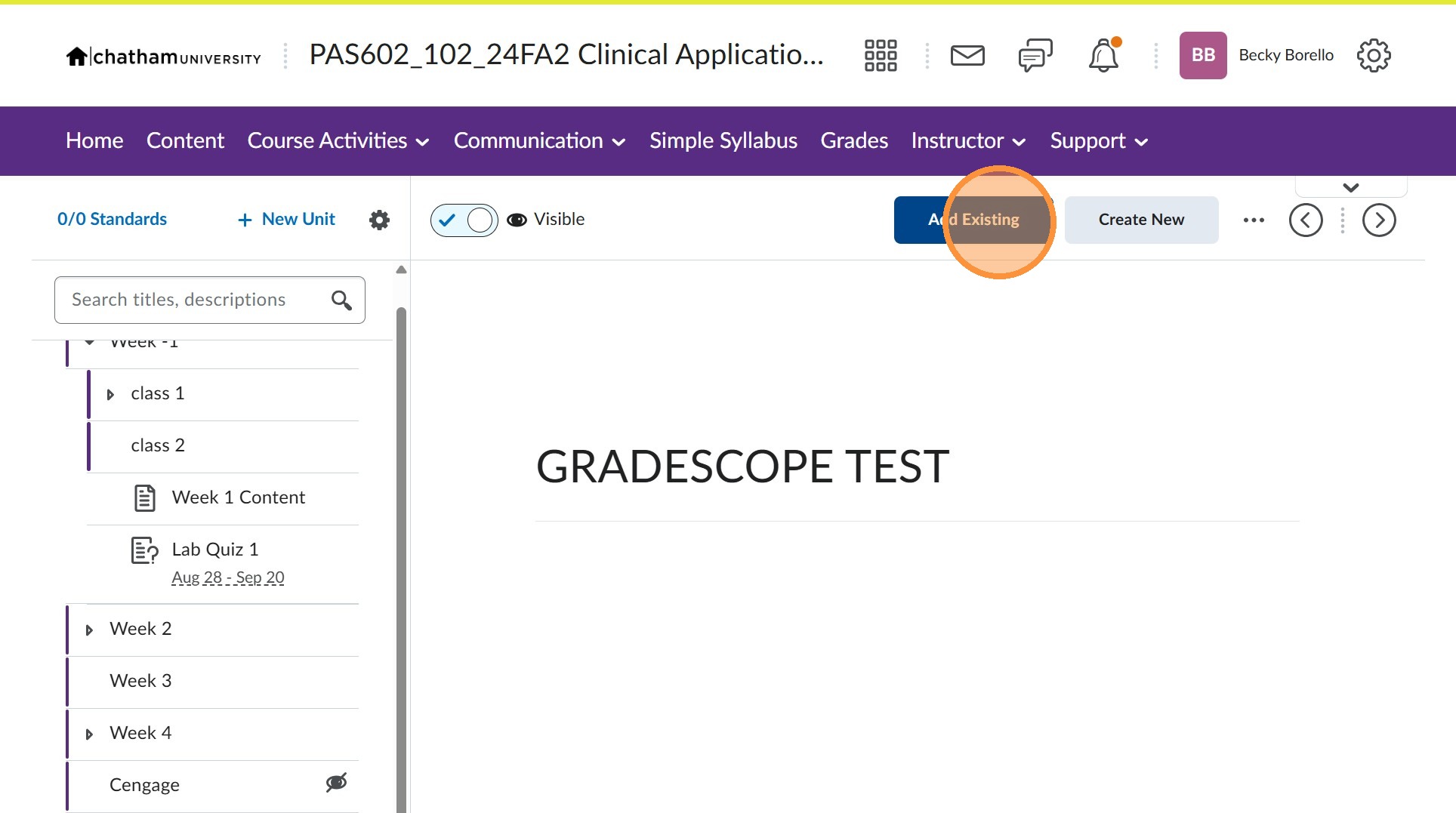
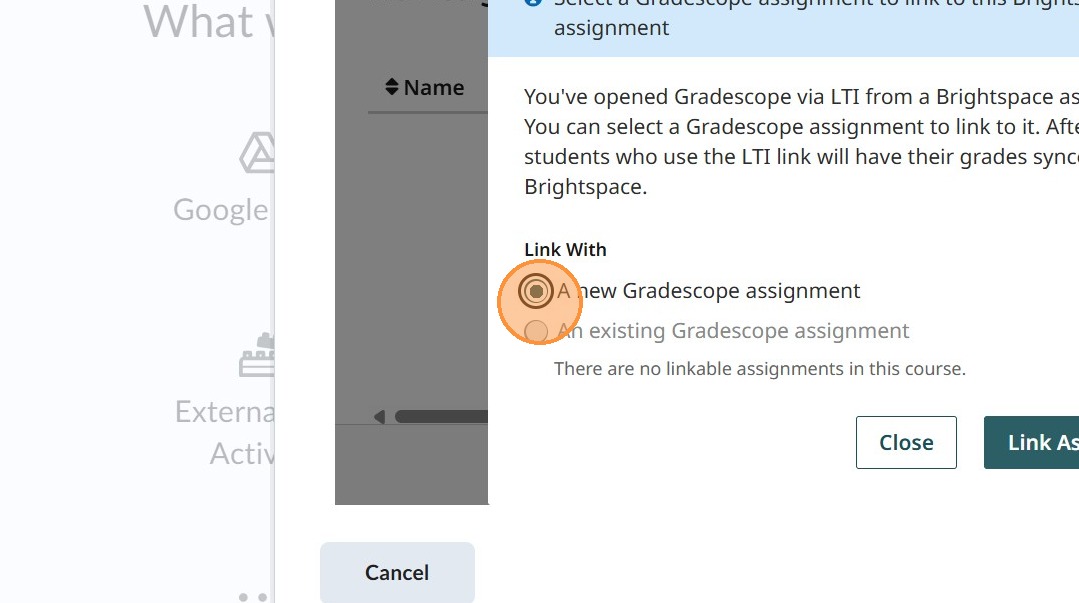
1. Creating a link in the Brightspace course directly to a Gradescope Assignment
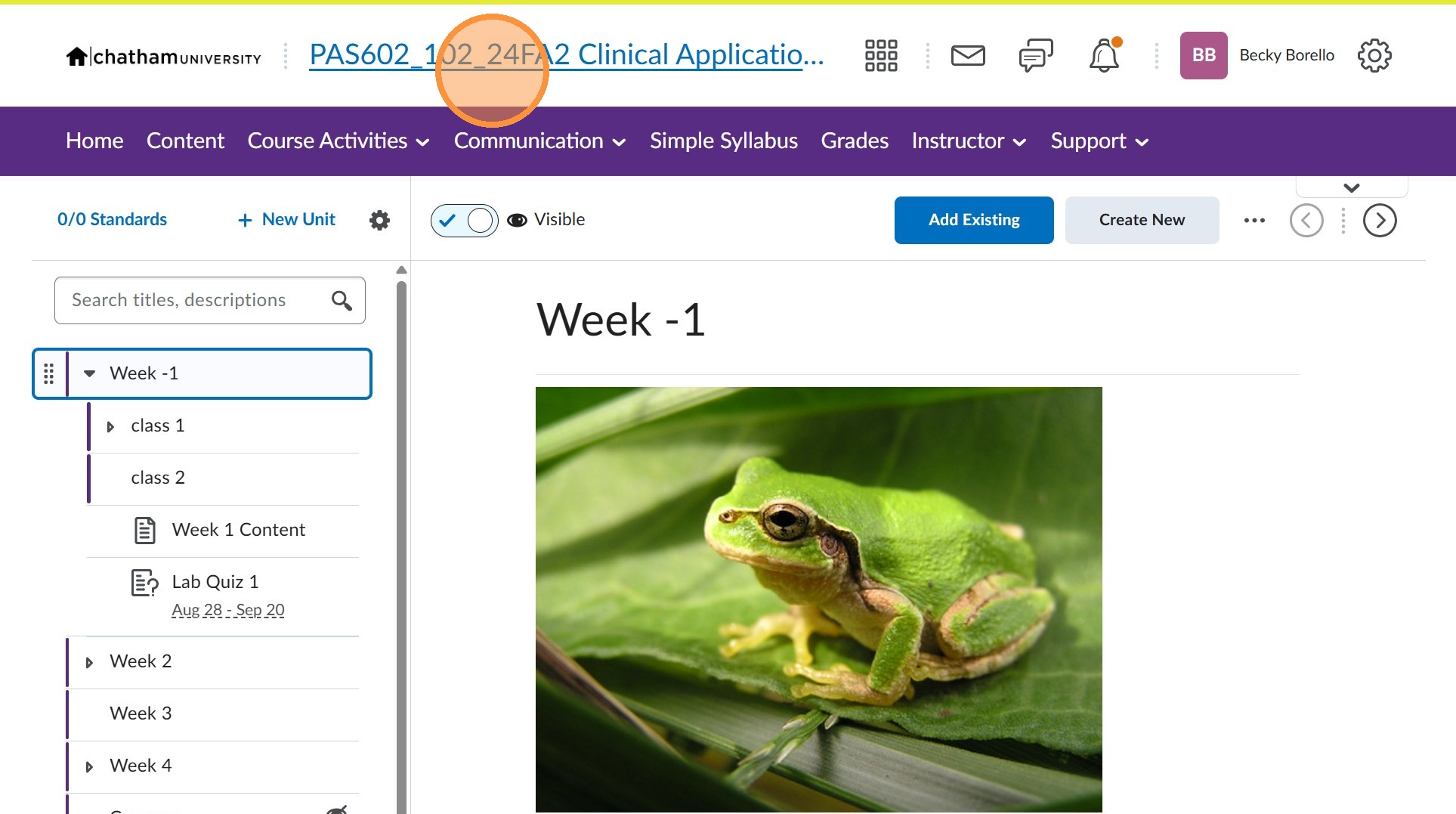
2. Navigate to to the course
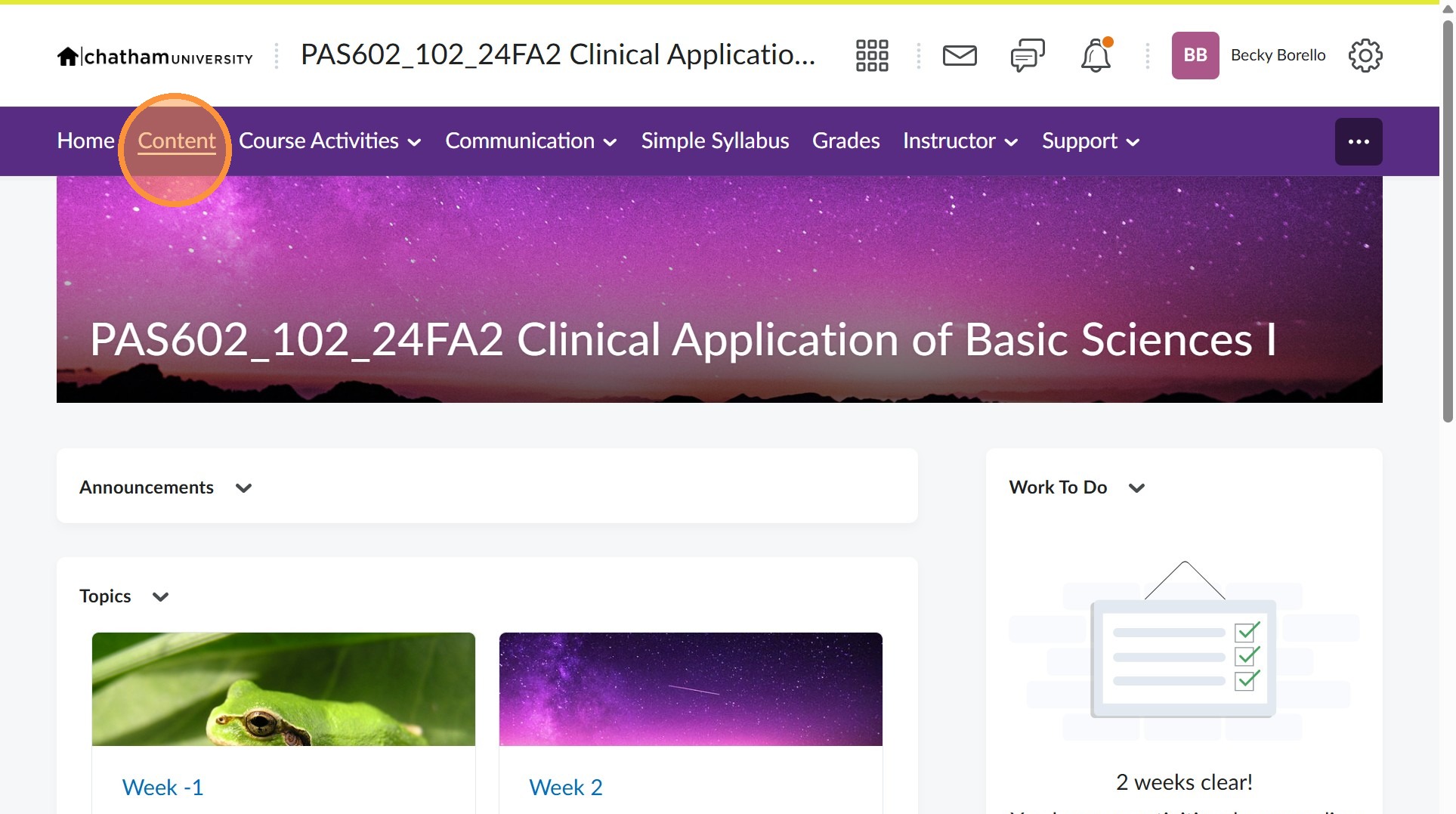
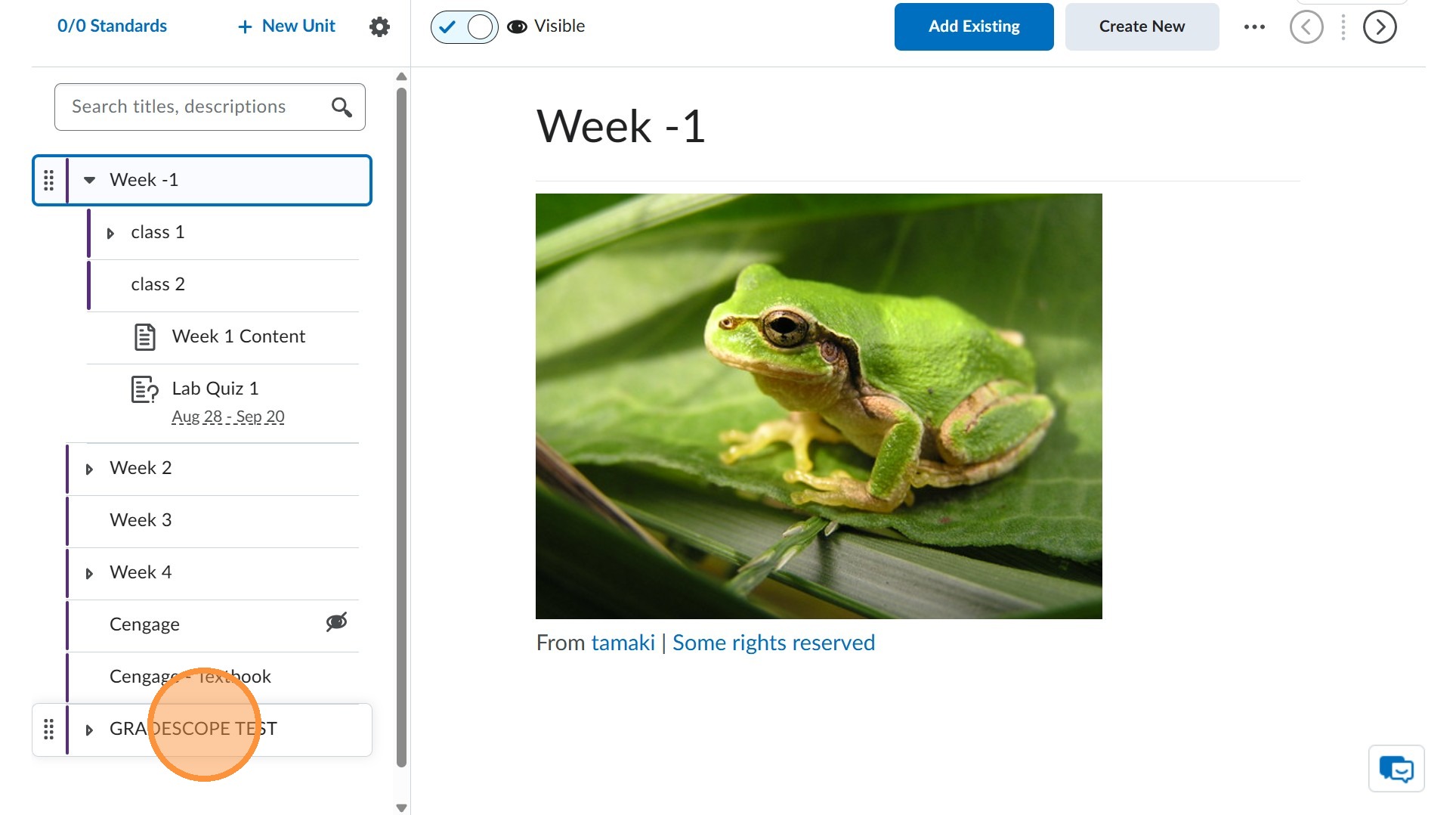
4. Click on the unit/module you would like the link to appear
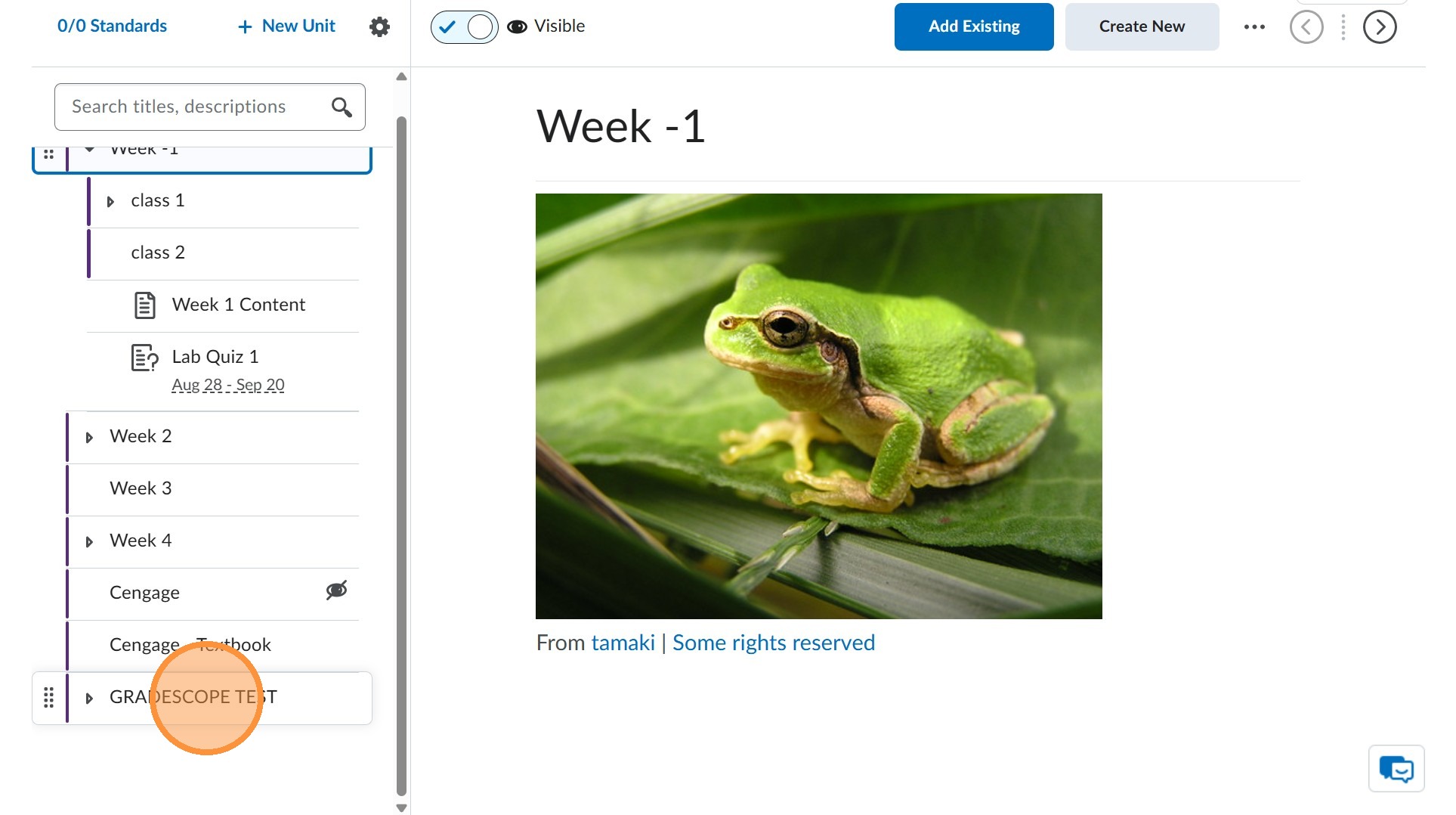
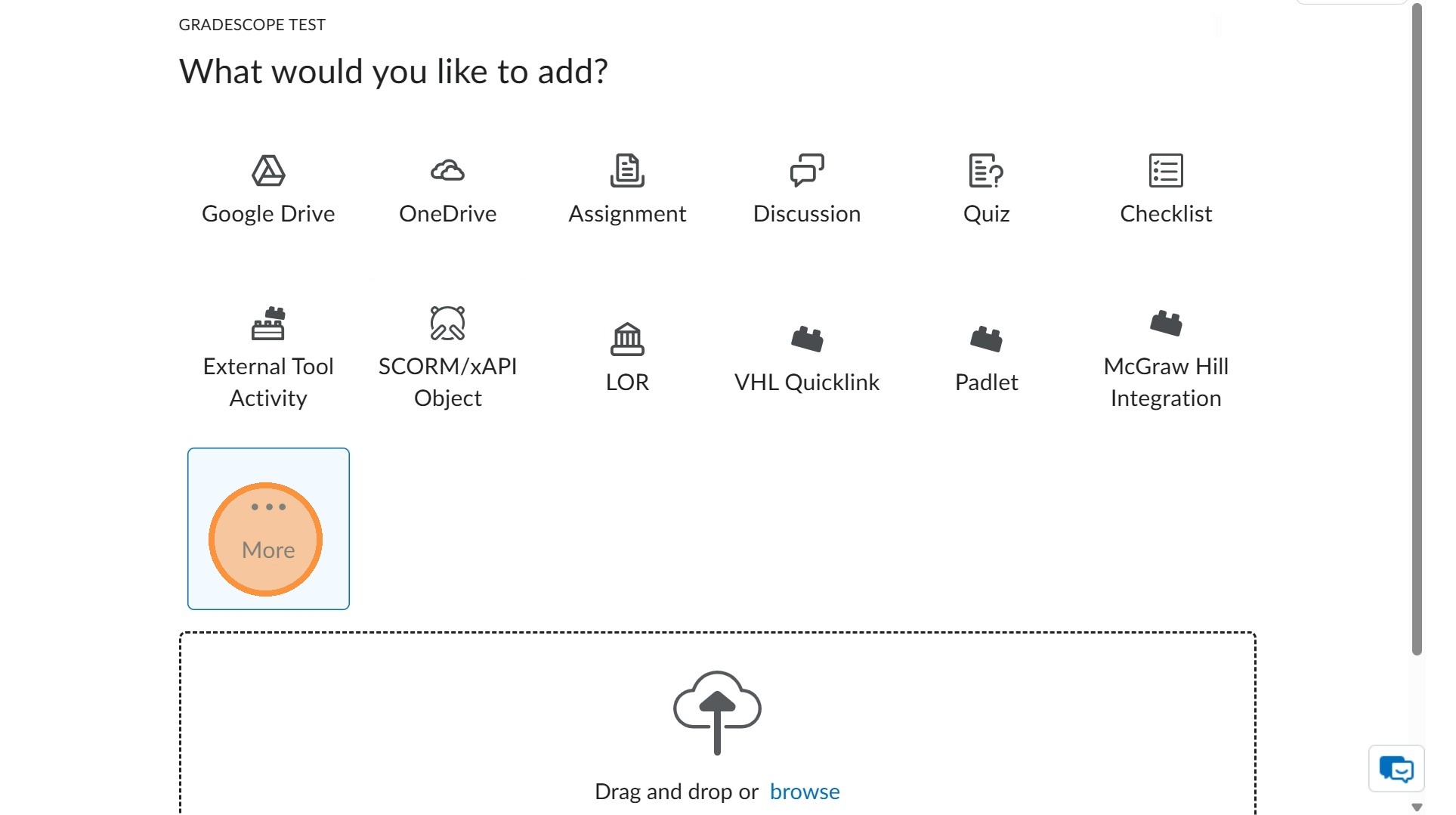
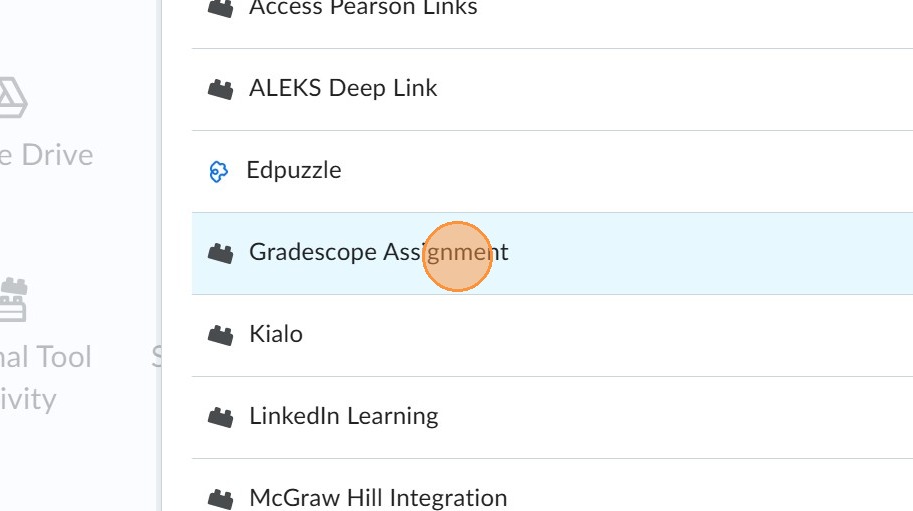
7. Click "Gradescope Assignment"
1. Creating a link in the Brightspace course directly to the ENTIRE Gradescope Course
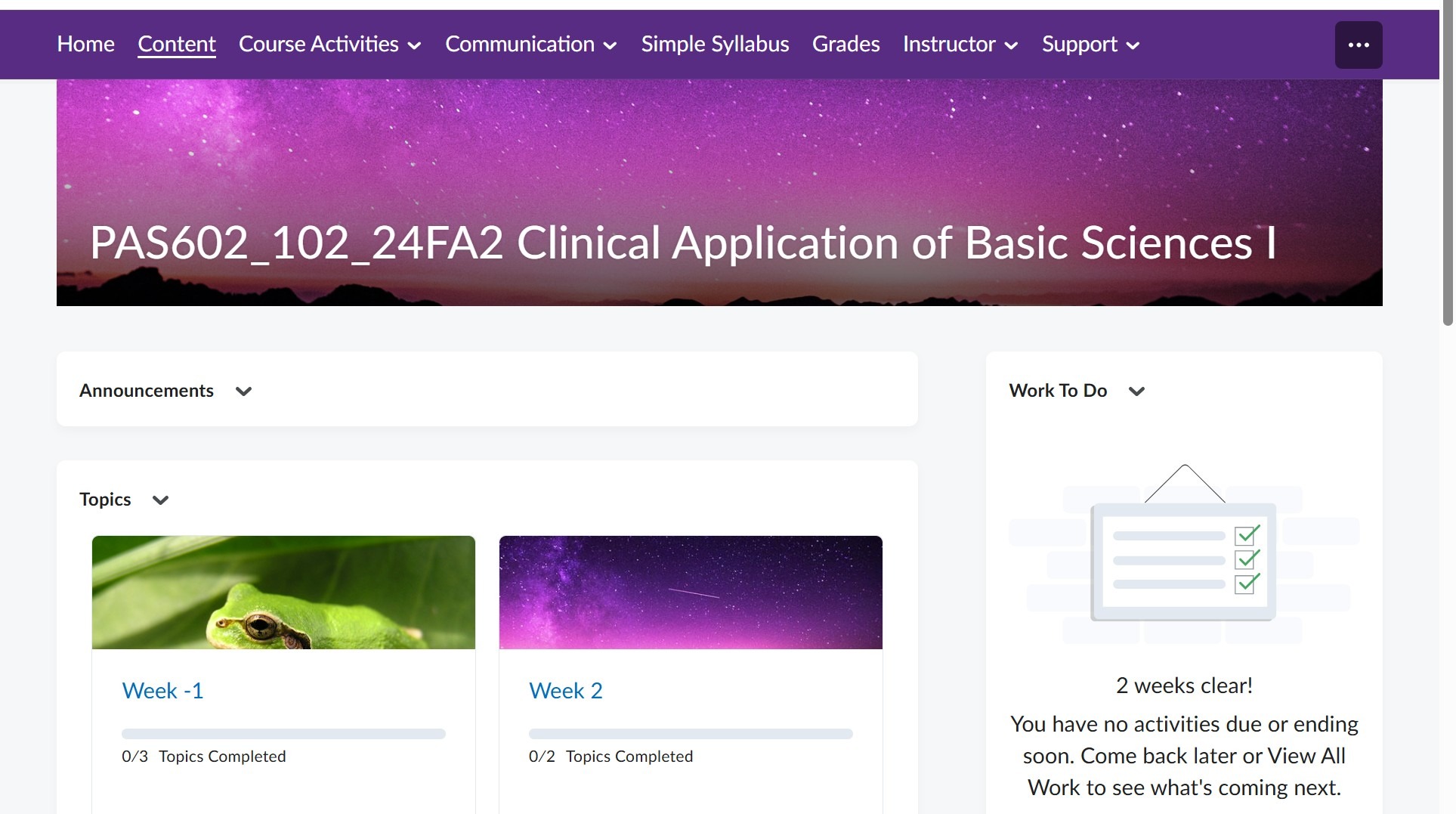
2. Navigate to the course
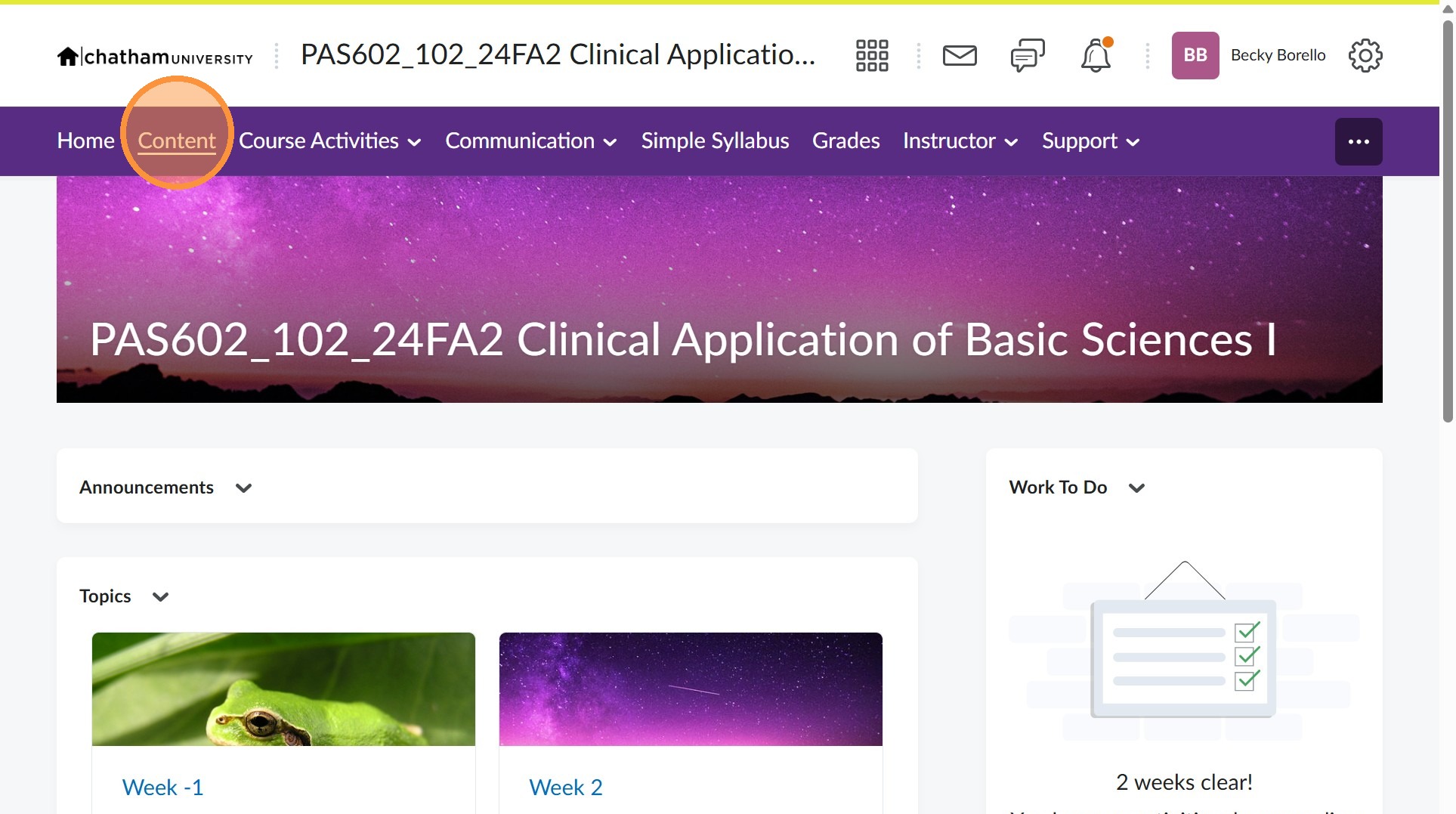
4. Click on the unit/module you would like the link to appear
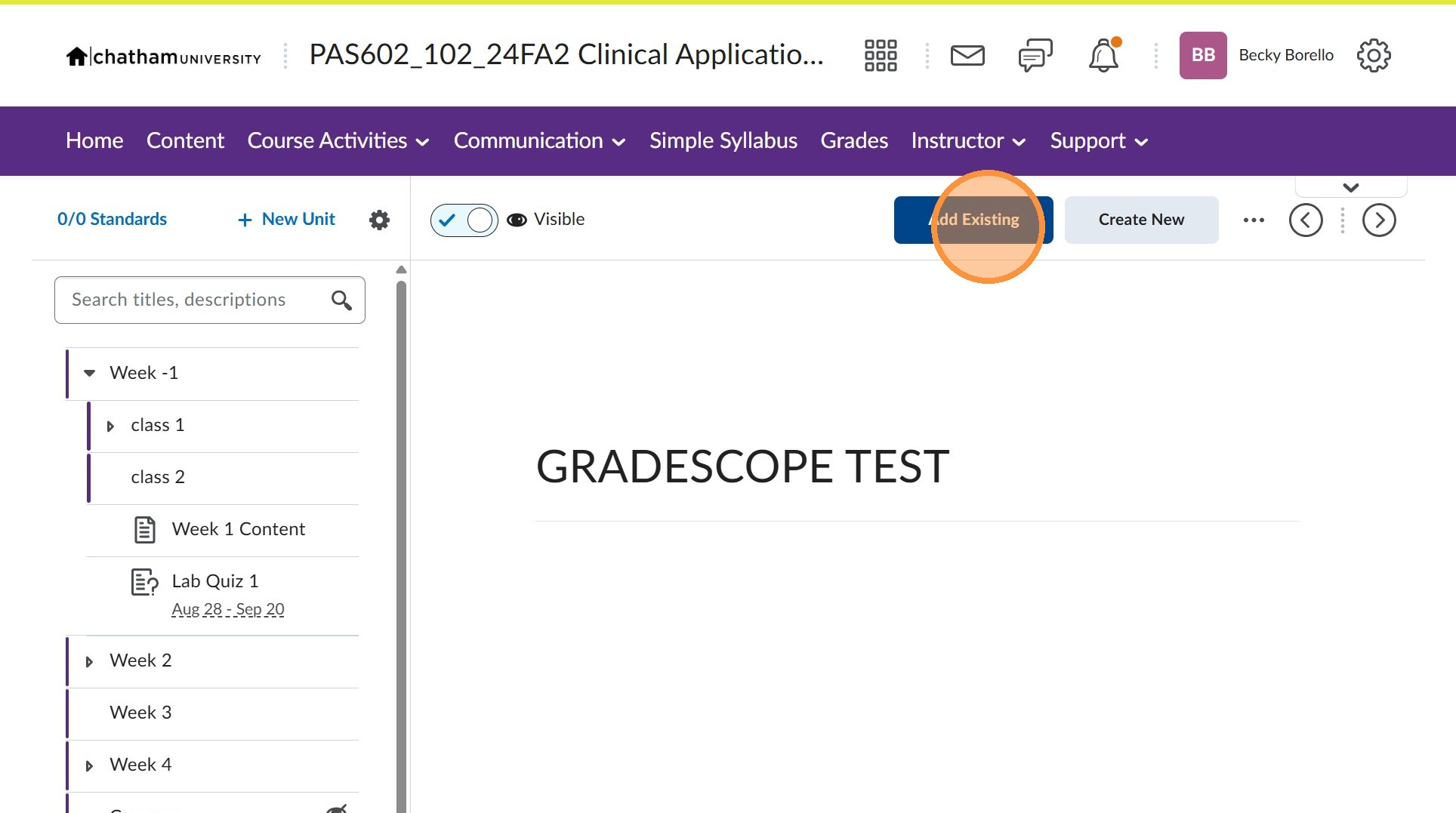
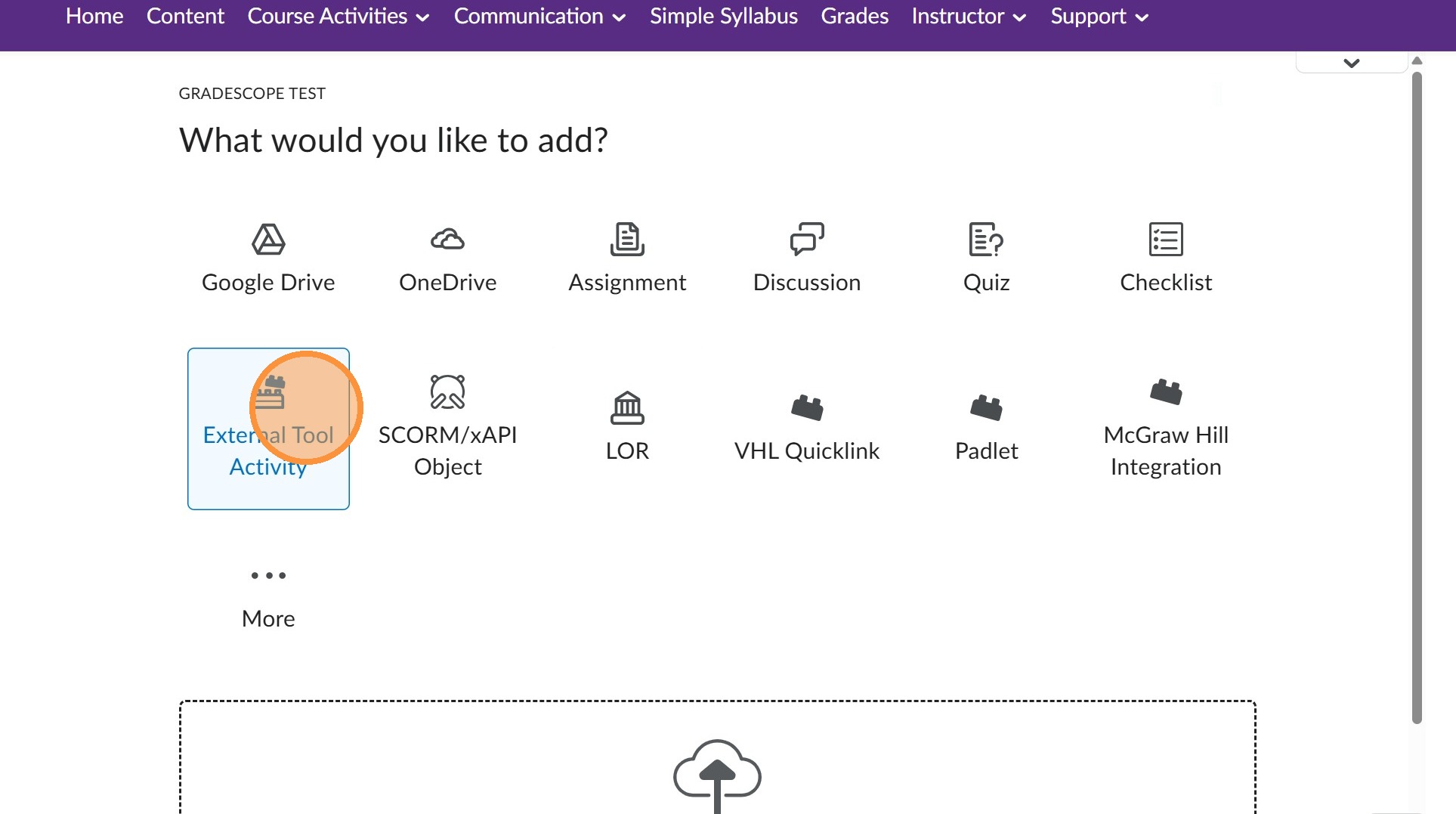
6. Click "External Tool Activity"
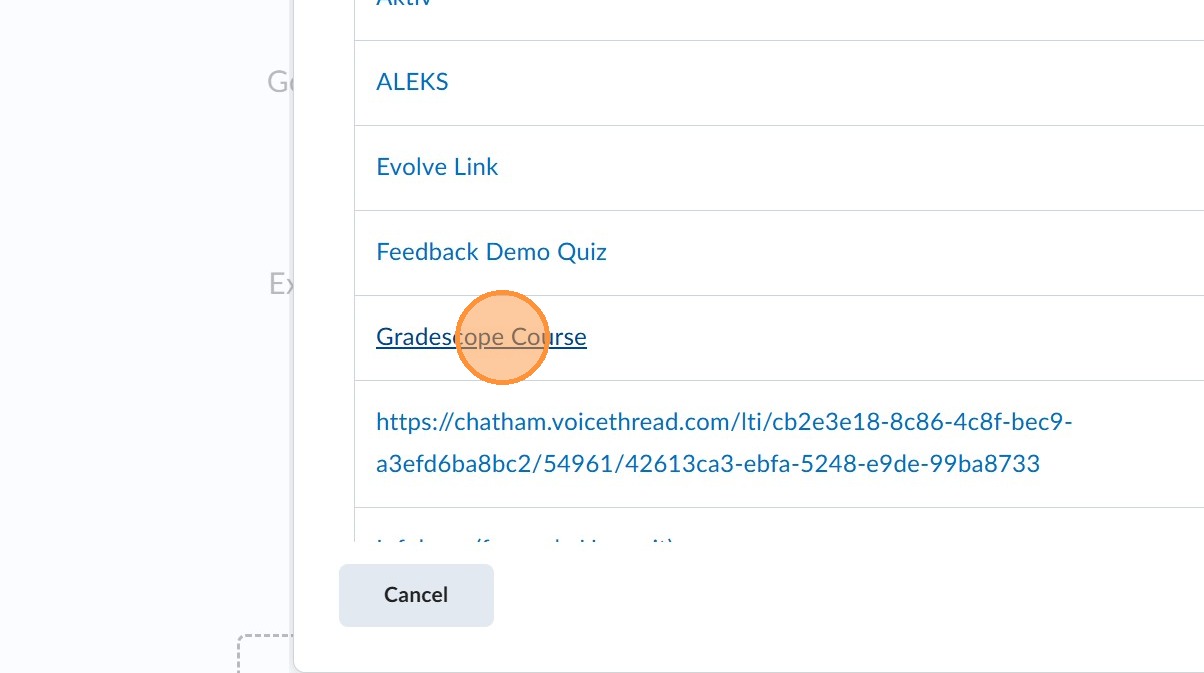
7. Click "Gradescope Course"
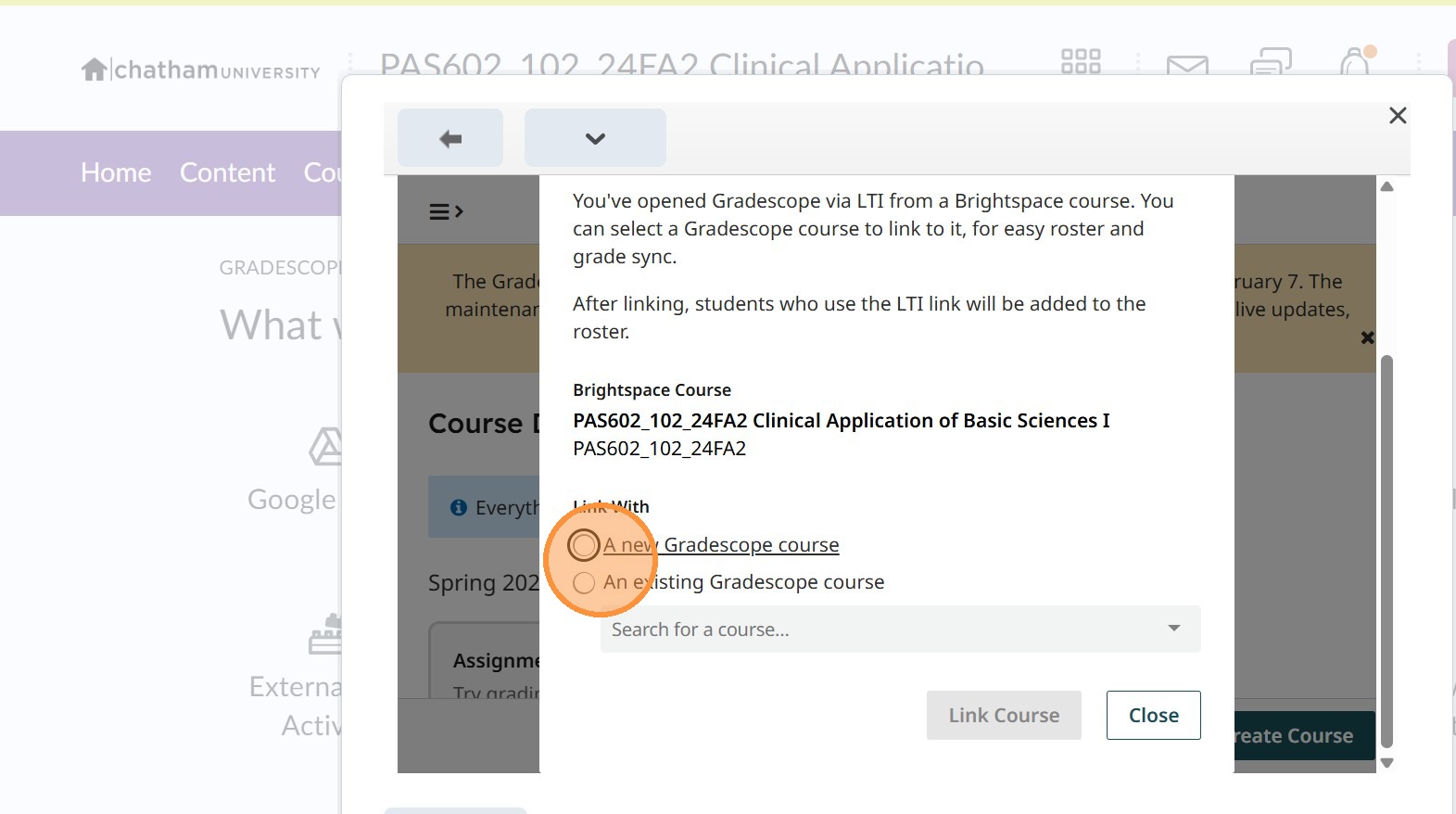
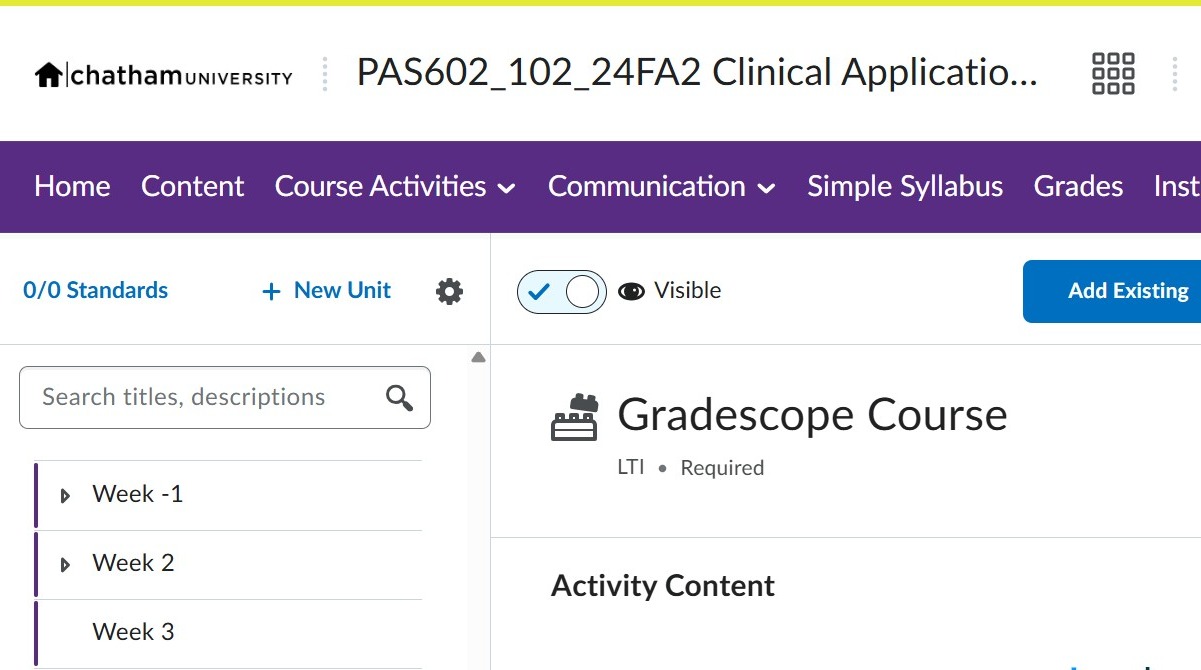
8. Select the course or link to new course
9. Gradescope course will now appear.